Works in every app
Email, Slack, Messages, docs, the browser, your terminal or code editor. Hold the key wherever the cursor is.
 Splashdown
Free, open-source dictation for Mac and Windows. Speak naturally, and clean, punctuated text appears in whatever app you're in. No subscription, no account.
macOS 13+ (Apple Silicon and Intel) · Windows 10 and 11 · Signed releases
or brew install --cask bhowerton/tap/splashdown

Email, Slack, Messages, docs, the browser, your terminal or code editor. Hold the key wherever the cursor is.
The "um"s, false starts and do-overs disappear, punctuation appears, and your words stay yours. Choose how much cleanup each app gets.
"Make that more formal." "Delete that last sentence." "Envíalo." Say what you want however you'd phrase it; there's no list of magic words.
Presets switch on their own: casual in Messages, polished in email, exact in your terminal. Each can translate, press Return, or use its own AI.
Run fully offline with Apple's on-device models or the built-in local model, or use your own OpenAI, OpenRouter or Anthropic key with a spending limit.
No subscription, no word limits, no account. The code is on GitHub under MIT or Apache-2.0, and every release is signed.
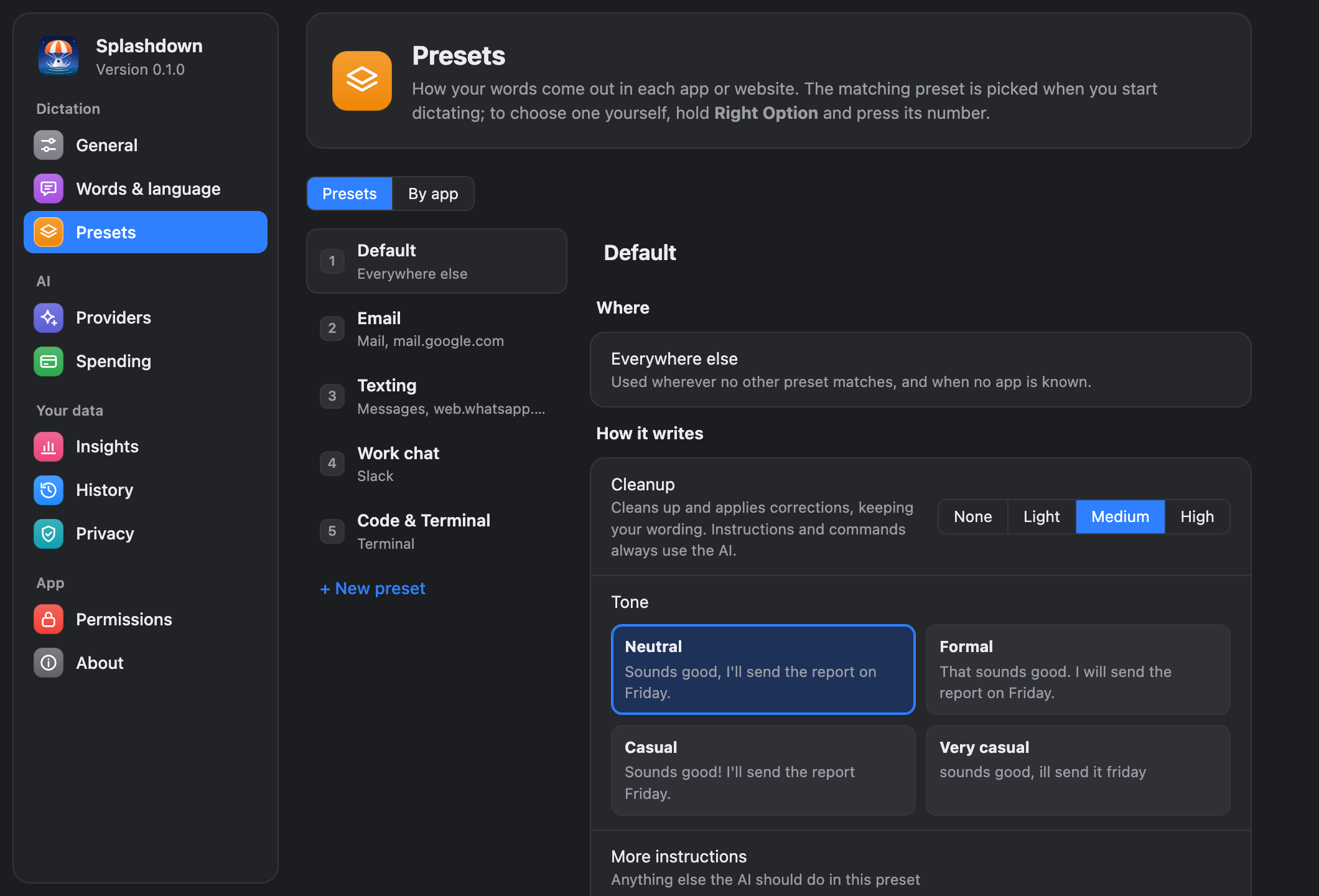
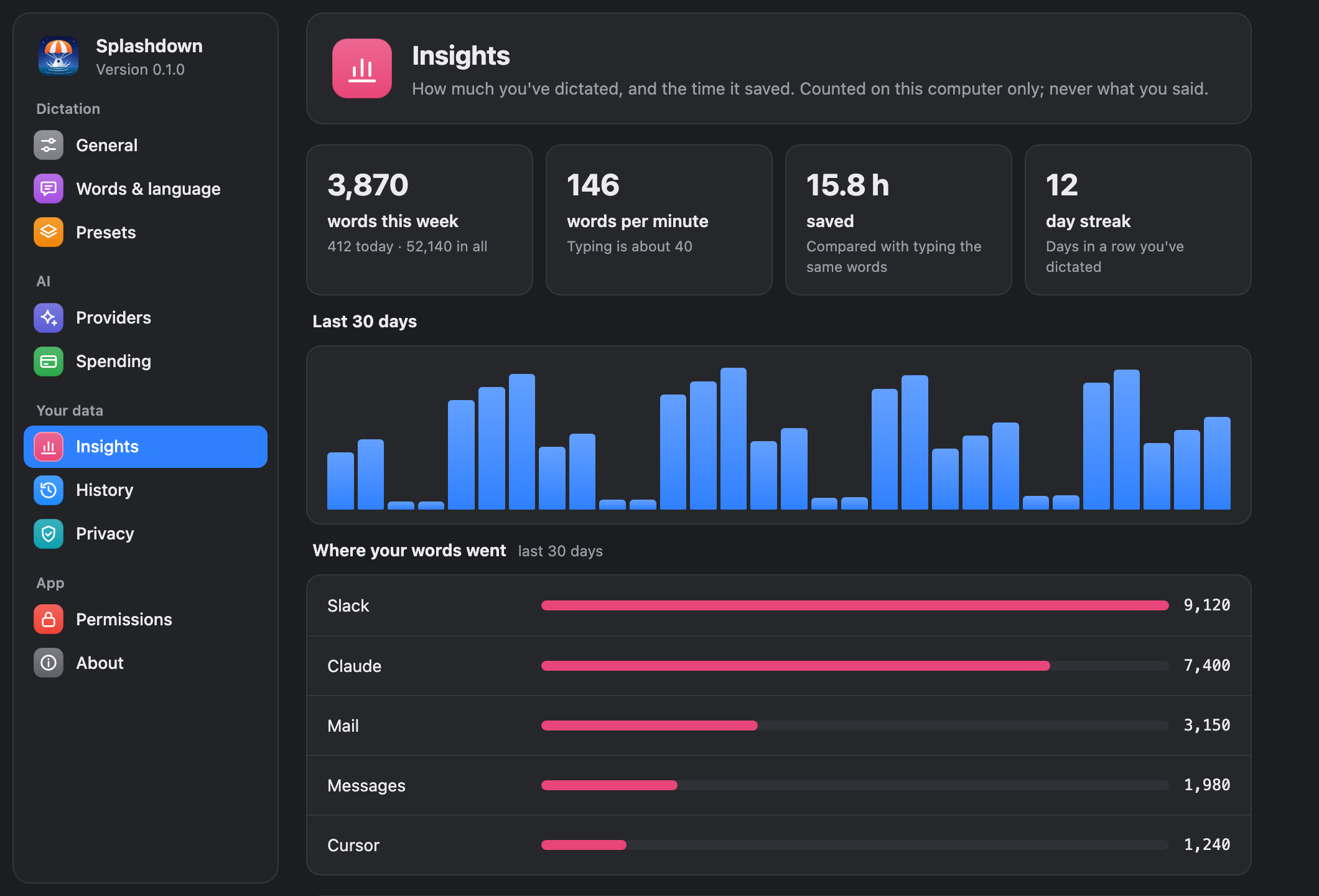
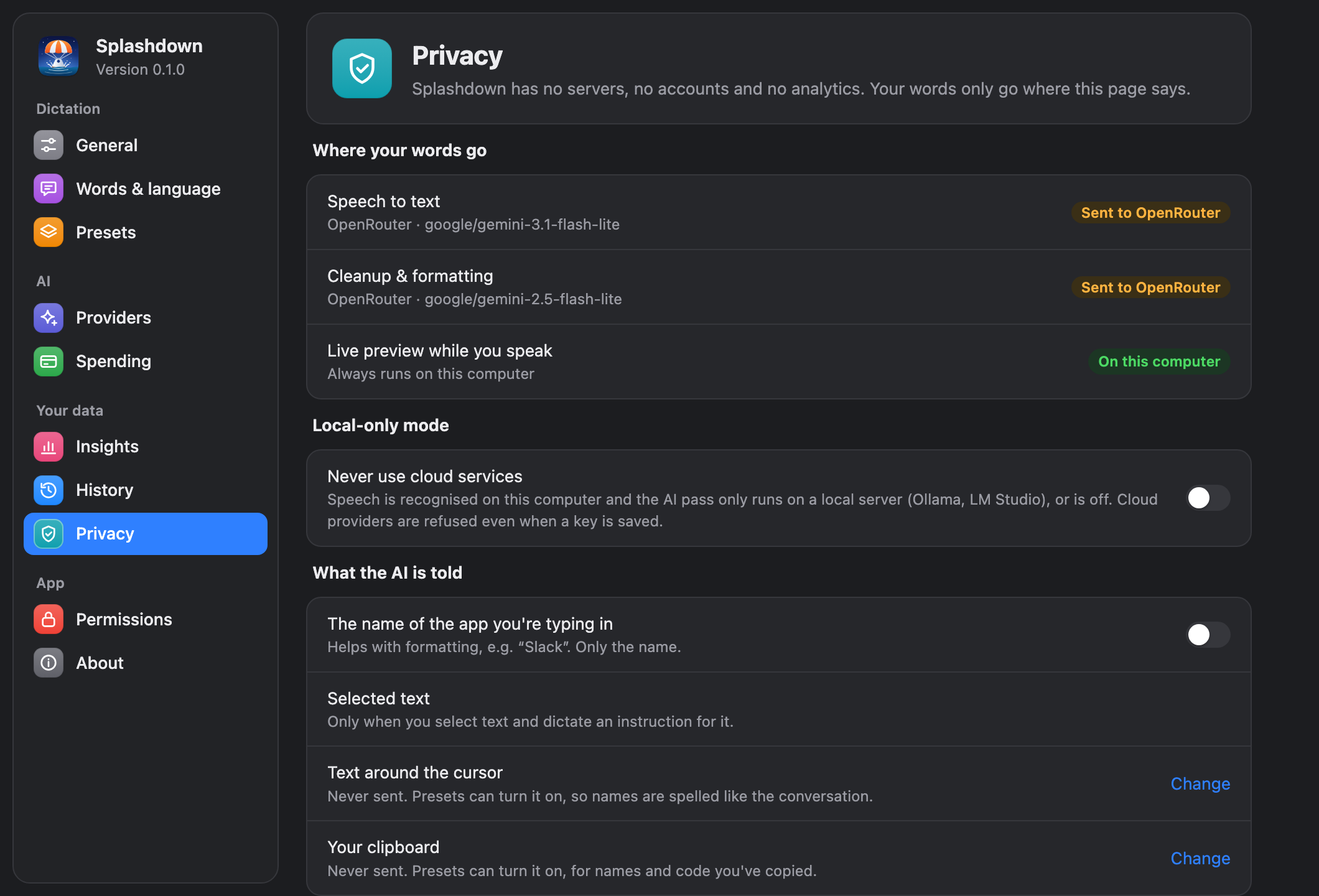
Splashdown has no servers, no account and no analytics. Your voice and text go only to the provider you choose, straight from your computer, or nowhere at all with on-device models. API keys stay in your system keychain, history is off unless you turn it on, and the logs never contain what you said.
Everything that leaves your computer, and everything it keeps →
Yes. Splashdown is open source and costs nothing. If you use a cloud AI provider, you pay that provider directly with your own key; typical dictation costs cents a month, and you can set a monthly limit. With on-device models it costs nothing at all.
On an Apple Silicon Mac with macOS 26, Apple's built-in speech and language models. On any other Mac or PC, local Whisper plus Splashdown's built-in local model, a free download with nothing else to install. Local-only mode then refuses every cloud provider.
Dozens. It detects the language as you speak, handles switching languages mid-sentence, and can translate into another language per app. Commands and spoken formatting work in any language too.
Built-in dictation types your words as spoken. Splashdown also cleans them up, follows instructions ("make it a list"), edits by voice, adapts its style per app, and learns your vocabulary.
Yes. File names you say become @file mentions for Claude Code or Cursor, and the splashdown-mcp server lets an agent ask you a question by voice.
See troubleshooting, or use Send feedback in the app's menu to open an issue with your versions filled in.